Workbook
Past Module Three
A redesign workbook to turn passive course watchers into active finishers
Tom Alder, a pen name
A whole workbook: 35 pages in 7 chapters. Bookbind made it from the brief below and a short author interview, then planned, wrote and typeset every chapter in order, through the same engine and exporter a customer's book goes through.
“A workbook for course creators whose students stop watching around module three”
Inside the book
Contents
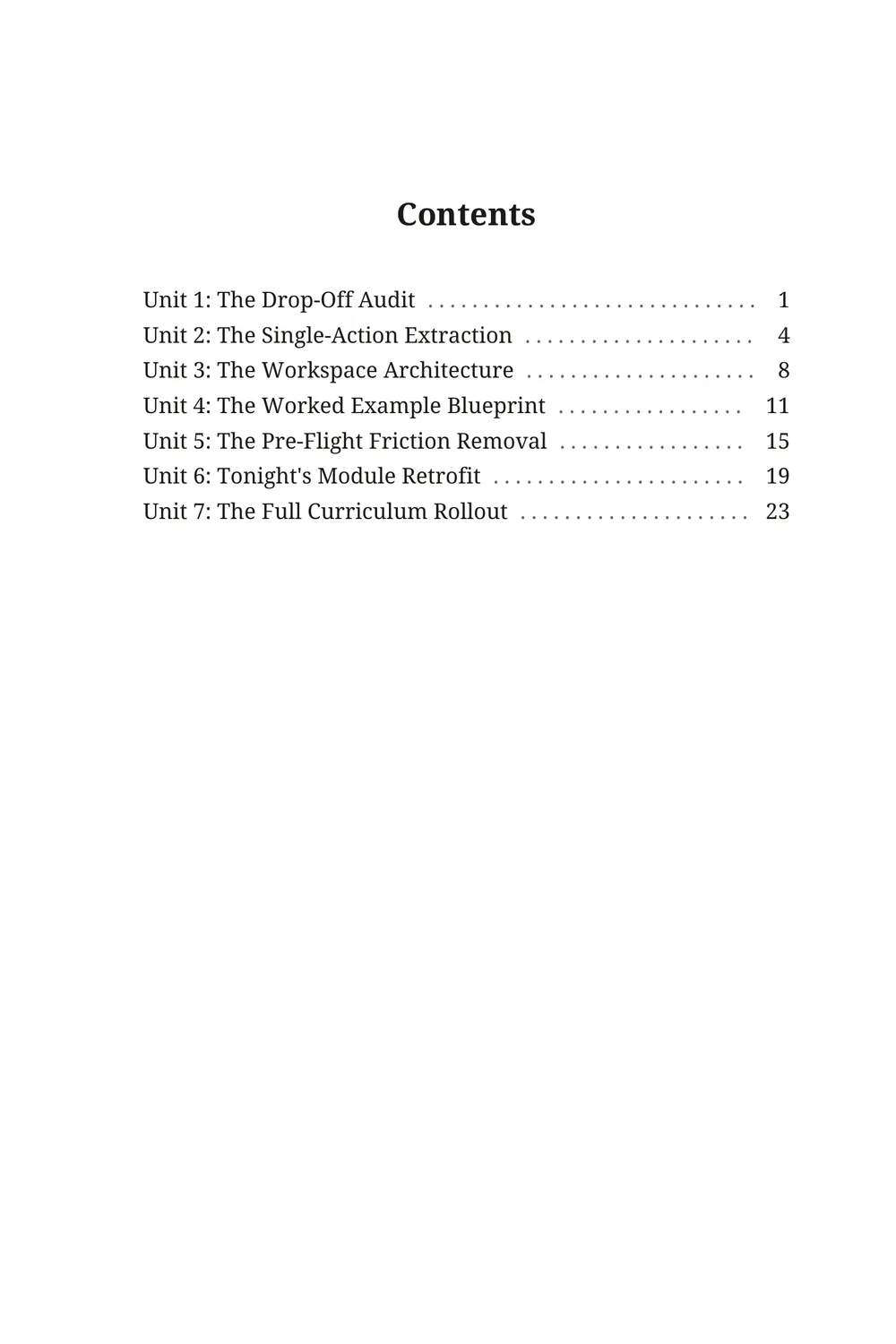
- Unit 1: The Drop-Off Audit
- Unit 2: The Single-Action Extraction
- Unit 3: The Workspace Architecture
- Unit 4: The Worked Example Blueprint
- Unit 5: The Pre-Flight Friction Removal
- Unit 6: Tonight's Module Retrofit
- Unit 7: The Full Curriculum Rollout
The opening
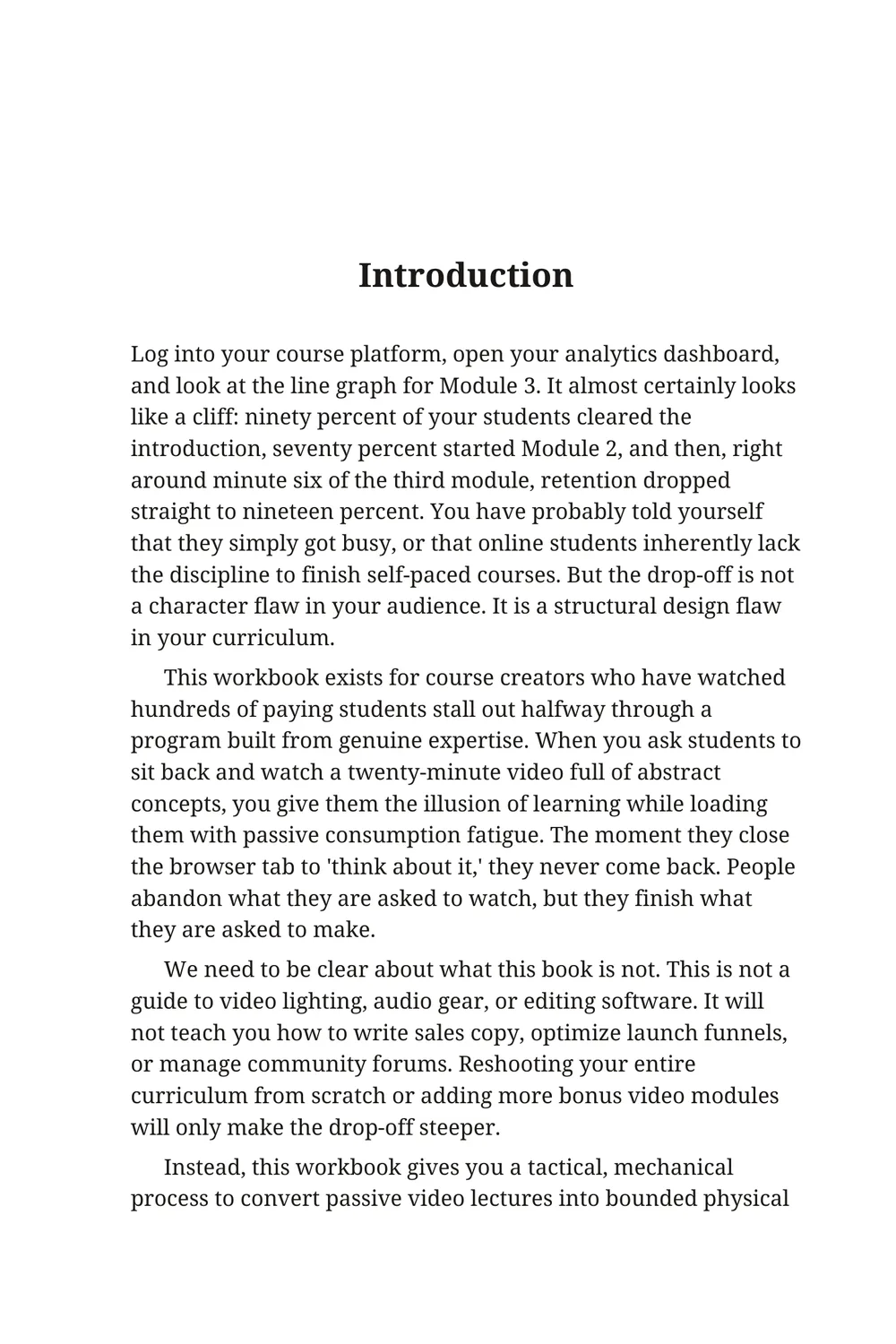
Introduction
Log into your course platform, open your analytics dashboard, and look at the line graph for Module 3. It almost certainly looks like a cliff: ninety percent of your students cleared the introduction, seventy percent started Module 2, and then, right around minute six of the third module, retention dropped straight to nineteen percent. You have probably told yourself that they simply got busy, or that online students inherently lack the discipline to finish self-paced courses. But the drop-off is not a character flaw in your audience. It is a structural design flaw in your curriculum.
This workbook exists for course creators who have watched hundreds of paying students stall out halfway through a program built from genuine expertise. When you ask students to sit back and watch a twenty-minute video full of abstract concepts, you give them the illusion of learning while loading them with passive consumption fatigue. The moment they close the browser tab to 'think about it,' they never come back. People abandon what they are asked to watch, but they finish what they are asked to make.
We need to be clear about what this book is not. This is not a guide to video lighting, audio gear, or editing software. It will not teach you how to write sales copy, optimize launch funnels, or manage community forums. Reshooting your entire curriculum from scratch or adding more bonus video modules will only make the drop-off steeper.
Instead, this workbook gives you a tactical, mechanical process to convert passive video lectures into bounded physical deliverables that take fifteen minutes to complete. By the end of this workbook, you will be able to isolate your course's exact point of abandonment and retrofit the lesson with a single-page written workspace that turns passive drop-outs into active finishers.
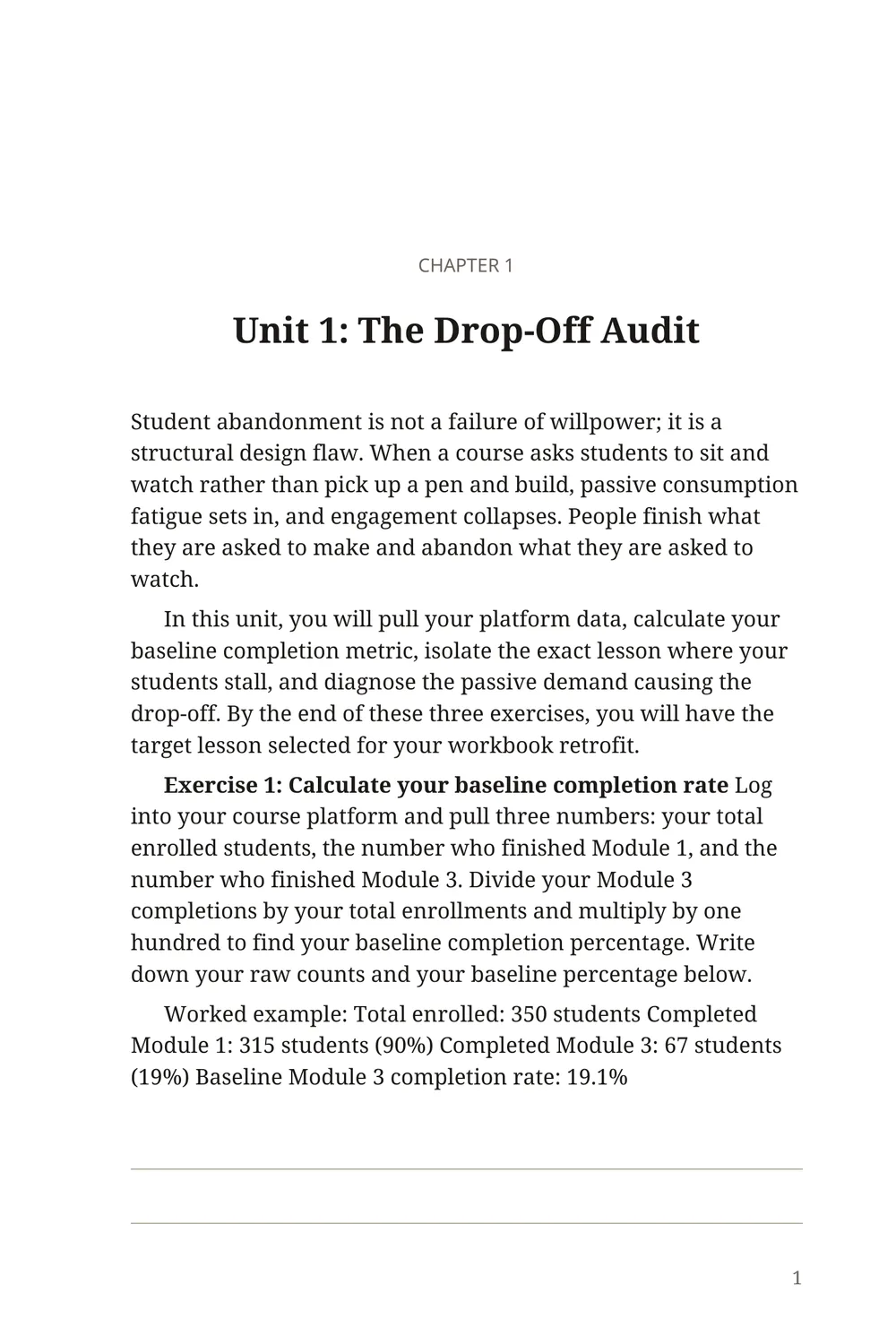
Unit 1: The Drop-Off Audit
Student abandonment is not a failure of willpower; it is a structural design flaw. When a course asks students to sit and watch rather than pick up a pen and build, passive consumption fatigue sets in, and engagement collapses. People finish what they are asked to make and abandon what they are asked to watch.
In this unit, you will pull your platform data, calculate your baseline completion metric, isolate the exact lesson where your students stall, and diagnose the passive demand causing the drop-off. By the end of these three exercises, you will have the target lesson selected for your workbook retrofit.
Exercise 1: Calculate your baseline completion rate Log into your course platform and pull three numbers: your total enrolled students, the number who finished Module 1, and the number who finished Module 3. Divide your Module 3 completions by your total enrollments and multiply by one hundred to find your baseline completion percentage. Write down your raw counts and your baseline percentage below.
Worked example: Total enrolled: 350 students Completed Module 1: 315 students (90%) Completed Module 3: 67 students (19%) Baseline Module 3 completion rate: 19.1%
Exercise 2: Isolate the drop-off lesson Open the video analytics inside Module 3 and locate the lecture where viewing hours drop off sharply. Record the module number, the lesson title, the total video runtime, and the timestamp where student retention falls below half. This timestamp marks the precise minute where passive listening exhausted your student.
Worked example: Module and lesson: Module 3, Lesson 2: "Structuring Your Offer Architecture" Total runtime: 22 minutes Drop-off point: Minute 06:15 (audience retention falls from 81% to 24%)
Exercise 3: Inventory passive demand versus production Review the drop-off lesson you isolated in Exercise 2 and write down what the student is asked to do during that time. State the media format, whether the student's role is passive viewing or active production, and what dedicated workspace—if any—was provided for their response. Record the unfiltered reality of what happens on the student's side of the screen.
Worked example: Lesson format: 22-minute talking-head video with 28 slides. Student demand: 100% passive listening; ends with a verbal prompt to "brainstorm your core offer components." Workspace provided: None; no worksheet, prompt card, or designated answer space attached.
The rest is in the 35-page PDF.
Start with this brief or one of your own. Bookbind plans the book, writes it, draws it if it needs pictures, and packs print-ready files for Amazon KDP. You see the whole plan before a credit is spent.