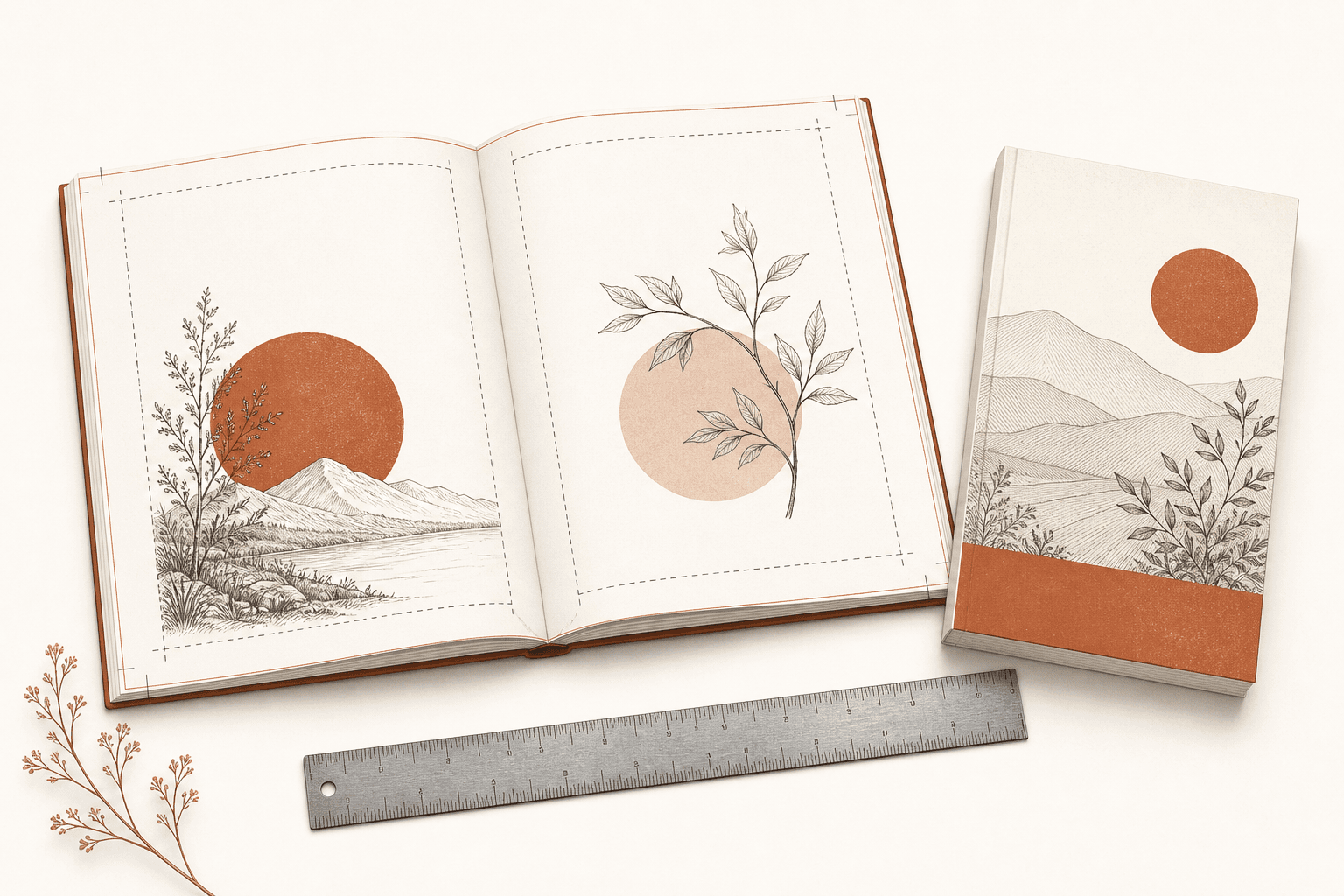
Formatting a book for Amazon KDP means building two different things: a print interior with fixed pages, and an ebook that reflows to fit any screen. Most formatting problems come from treating them as one file.
The short version for a paperback:
- Pick a trim size. 6 × 9 inches is the most common choice for nonfiction, and 5 × 8 or 5.5 × 8.5 inches for novels.
- Set margins by page count: an inside (gutter) margin of 0.375 to 0.875 inches, and at least 0.25 inches on the outside edges.
- Add 0.125 inches of bleed only if images or color run off the edge of the page.
- Set body text between 10 and 12 points. KDP's minimum is 7 points.
- Use images of at least 300 DPI and embed every font.
- Export a PDF at your exact trim size, plus bleed if you use it, and upload the cover as a separate file.
For a Kindle ebook, skip page layout entirely. Upload a DOCX, EPUB or Kindle Create file and let Kindle reflow the text.
Every requirement in this guide comes from KDP's own help pages, checked in October 2026.
Is formatting a paperback different from an ebook?
A paperback or hardcover has fixed pages, so you control every detail of the layout. You set the trim size, margins, page numbers and where each chapter starts, then upload an interior file and a separate cover file.
A Kindle ebook has no pages. Readers change the font and text size, and the words reflow to fit the screen. What you upload is a manuscript with clean structure, meaning styled headings and no manual spacing, and Kindle handles the layout. Fixed-layout ebooks, used for picture books and comics, are the exception.
Format the print edition and the ebook from the same text, but as separate files.
Step 1: Which trim size should you choose?
For most books, choose 6 × 9 inches. Novels often use 5 × 8 or 5.5 × 8.5 inches, and picture books, coloring books and workbooks use larger sizes. Trim size is the finished page size, and every other measurement depends on it, so choose it first. Changing it later reflows every page.
| Trim size | Typical use |
|---|---|
| 5 × 8 in | Novels, memoir, poetry |
| 5.5 × 8.5 in | Novels, shorter nonfiction |
| 6 × 9 in | Nonfiction, and the safest default for most books |
| 7 × 10 in or 8 × 10 in | Workbooks, textbooks, illustrated nonfiction |
| 8.5 × 8.5 in | Children's picture books, photo books |
| 8.5 × 11 in | Coloring books, journals, large workbooks |
KDP's full paperback list:
- Standard sizes: 5 × 8, 5.06 × 7.81, 5.25 × 8, 5.5 × 8.5 and 6 × 9 inches.
- Large sizes: 6.14 × 9.21, 6.69 × 9.61, 7 × 10, 7.44 × 9.69, 7.5 × 9.25, 8 × 10, 8.25 × 6, 8.25 × 8.25, 8.5 × 8.5, 8.5 × 11 and 8.27 × 11.69 inches.
Most paperbacks can run from 24 to 828 pages. Hardcovers come in five sizes (5.5 × 8.5, 6 × 9, 6.14 × 9.21, 7 × 10 and 8.25 × 11 inches) and must have 75 to 550 pages.
Step 2: How wide should the margins be?
Margins must be at least 0.25 inches on the outside edges and 0.375 to 0.875 inches on the inside, depending on page count. KDP's minimums grow with page count because thicker books curve further into the spine. The inside margin, also called the gutter, is the one next to the binding.
| Page count | Inside (gutter) margin | Outside margins, no bleed | Outside margins, with bleed |
|---|---|---|---|
| 24 to 150 | 0.375 in | at least 0.25 in | at least 0.375 in |
| 151 to 300 | 0.5 in | at least 0.25 in | at least 0.375 in |
| 301 to 500 | 0.625 in | at least 0.25 in | at least 0.375 in |
| 501 to 700 | 0.75 in | at least 0.25 in | at least 0.375 in |
| 701 to 828 | 0.875 in | at least 0.25 in | at least 0.375 in |
These are minimums, not targets. Well-designed books use more on every side, because text pressed against the edge looks cheap and is uncomfortable to hold. Page numbers and running heads have to sit inside the margins too.
Step 3: Does your book need bleed?
You need bleed only if something on the page runs off the edge, such as a full-page photo, a background color or an illustration that touches the trim. A text-only book does not need it.
With bleed, each page is built slightly larger than the trim size and the printer cuts off the excess. Add 0.125 inches to the width and 0.25 inches to the height:
- A 6 × 9 inch book becomes a 6.125 × 9.25 inch page.
- An 8.5 × 11 inch book becomes an 8.625 × 11.25 inch page.
Two rules catch people out. A manuscript with bleed must be uploaded as a PDF. And the bleed setting you choose during upload has to match the file.
Step 4: What font and type size should you use?
Body text between 10 and 12 points reads comfortably in print, and KDP will not accept anything under 7 points. Serif typefaces are the convention for long reading. If you need a free font licensed for print, EB Garamond and Libre Baskerville are popular choices under the SIL Open Font License.
These are conventions rather than KDP rules, but readers notice when they are missing:
- Line spacing of about 1.2 to 1.5 times the type size.
- Hyphenation turned on, so justified text does not open rivers of white space.
- Indented paragraphs with no blank line between them in fiction. Nonfiction can use spaced blocks.
- Each chapter starting on a new page, traditionally a right-hand page.
- No page numbers or running heads on blank pages or chapter openings.
KDP does have one numbering rule: page numbers run in order, with even numbers on left-hand pages and odd numbers on right-hand pages.
Step 5: What goes in the front and back matter?
Front matter is the title page, copyright page, optional dedication and, in nonfiction, a table of contents. Back matter is everything after the last chapter. The usual front matter order is:
- Title page, on a right-hand page.
- Copyright page, on the back of the title page, with the copyright notice, rights statement and ISBN.
- Dedication, if you have one.
- Table of contents, expected in nonfiction and optional in fiction.
Back matter usually holds acknowledgments, an about-the-author page and a note pointing readers to your next book or your website. It is the cheapest marketing you will ever do.
Step 6: How should you prepare images?
Every image needs at least 300 DPI at the size it prints. KDP recommends staying under 600 DPI. Keep images inside the margins unless you use bleed, and flatten any transparent layers before you export.
For a black-and-white interior, convert images to grayscale yourself so you can judge the contrast before the printer does. Color interiors cost more to print per page, which raises the lowest price you can set.
Step 7: How do you export a print-ready PDF?
KDP recommends uploading a PDF, and it is the only format that guarantees what you see is what prints. For a paperback without bleed, KDP also accepts DOC, DOCX, RTF, HTML and TXT, but those are converted on Amazon's side, where layout can shift.
Before you upload, check that:
- The page size equals the trim size, plus bleed if you use it.
- Every font is embedded.
- Transparent objects and layers are flattened.
- There are no crop marks, trim marks, comments, annotations, bookmarks or placeholder text.
- The file is under 650 MB.
Step 8: How is the paperback cover sized?
The paperback cover is one PDF that wraps around the whole book: back cover, spine and front cover, with 0.125 inches of bleed on every edge. Its width depends on the spine, and the spine depends on page count and paper:
- White paper: page count × 0.002252 inches.
- Cream paper: page count × 0.0025 inches.
A 200-page book on white paper has a spine of about 0.45 inches. KDP prints spine text only on books with more than 79 pages, and it places its barcode in a 2 × 1.2 inch area at the bottom right of the back cover, so keep that space clear.
Our free KDP cover calculator works out the exact spine width and full cover size for your page count, paper and trim size.
Step 9: How do you check the book before it goes on sale?
KDP's online previewer shows every page against the trim line and flags problems such as text outside the margins. Fix and upload again until it comes back clean.
Then order a printed proof. It is the only way to see the real margins, the real gutter and how your type looks in ink before a customer does.
How do you format a Kindle ebook?
A Kindle ebook needs clean structure, not layout. KDP recommends uploading a DOCX, EPUB or Kindle Create (KPF) file. It also takes HTML, RTF, TXT and PDF, but those convert less predictably, and it stopped accepting MOBI files for fixed-layout ebooks in March 2025.
- Use real heading styles, such as Heading 1 for chapter titles, so Kindle can build the table of contents.
- Put a page break between chapters instead of rows of empty lines.
- Leave out page numbers, headers and footers. Kindle has no pages to put them on.
- Upload the ebook cover separately as a JPEG or TIFF, ideally 2,560 pixels tall by 1,600 pixels wide.
Which tools can format a book for you?
- KDP's Word templates are free and come set up with the right page size and margins for each trim size.
- Kindle Create is Amazon's free formatter. It makes both the ebook and a paperback from a Word file, but its paperback mode does not support tables, footnotes or images that bleed, and it chooses the margins and font for you.
- Reedsy Studio is a free browser-based editor that exports print and ebook files.
- Atticus (Windows, Mac, Linux and Chromebook) and Vellum (Mac only) are paid formatters with polished templates.
- Adobe InDesign and Affinity Publisher give full control, with a steeper learning curve.
- Bookbind formats books you make in it: a 6 × 9 inch paperback interior with KDP-compliant margins, a cover wrap sized to the page count, and the EPUB and Kindle cover, all in one download. If you are starting a new book rather than formatting a finished one, see how the AI book generator works.
Why does KDP reject a manuscript?
Most rejections come from the same handful of problems:
- Text or images outside the margins.
- A page size that does not match the trim size.
- Bleed in the file that does not match the bleed setting.
- Fonts that are not embedded.
- Images under 300 DPI.
- Excessive blank pages.
- Crop marks, comments or placeholder text left in the file.
Frequently asked questions
What is the best trim size for a KDP book?
6 × 9 inches is the most common trim size for self-published nonfiction and a safe default. Novels often use 5 × 8 or 5.5 × 8.5 inches, children's picture books 8.5 × 8.5 inches, and coloring books and workbooks 8.5 × 11 inches.
What margins does KDP require?
KDP requires an inside (gutter) margin of 0.375 inches for books of 24 to 150 pages, rising in steps to 0.875 inches for 701 to 828 pages. Outside margins must be at least 0.25 inches, or at least 0.375 inches if the book uses bleed.
Can I upload a Word document to KDP?
Yes. KDP accepts DOC and DOCX for ebooks, and for paperbacks without bleed. For print, exporting a PDF yourself is safer, because you see exactly what will print. A book with bleed must be uploaded as a PDF.
What font size should a KDP paperback use?
Use 10 to 12 points for body text. KDP's minimum is 7 points, which is only suitable for things like captions and footnotes.
How many pages does a KDP paperback need?
A KDP paperback needs at least 24 pages, and most configurations allow up to 828. Hardcovers need 75 to 550 pages. To estimate your page count from a word count, try our word count to pages calculator.
Do I need bleed for my book?
Only if images, illustrations or background color touch the edge of the page. Text-only books do not need bleed.
How do I calculate spine width for KDP?
Multiply the page count by 0.002252 inches for white paper or 0.0025 inches for cream paper. A 300-page book on cream paper has a spine of 0.75 inches. Our KDP cover calculator does the arithmetic and gives the full cover size.