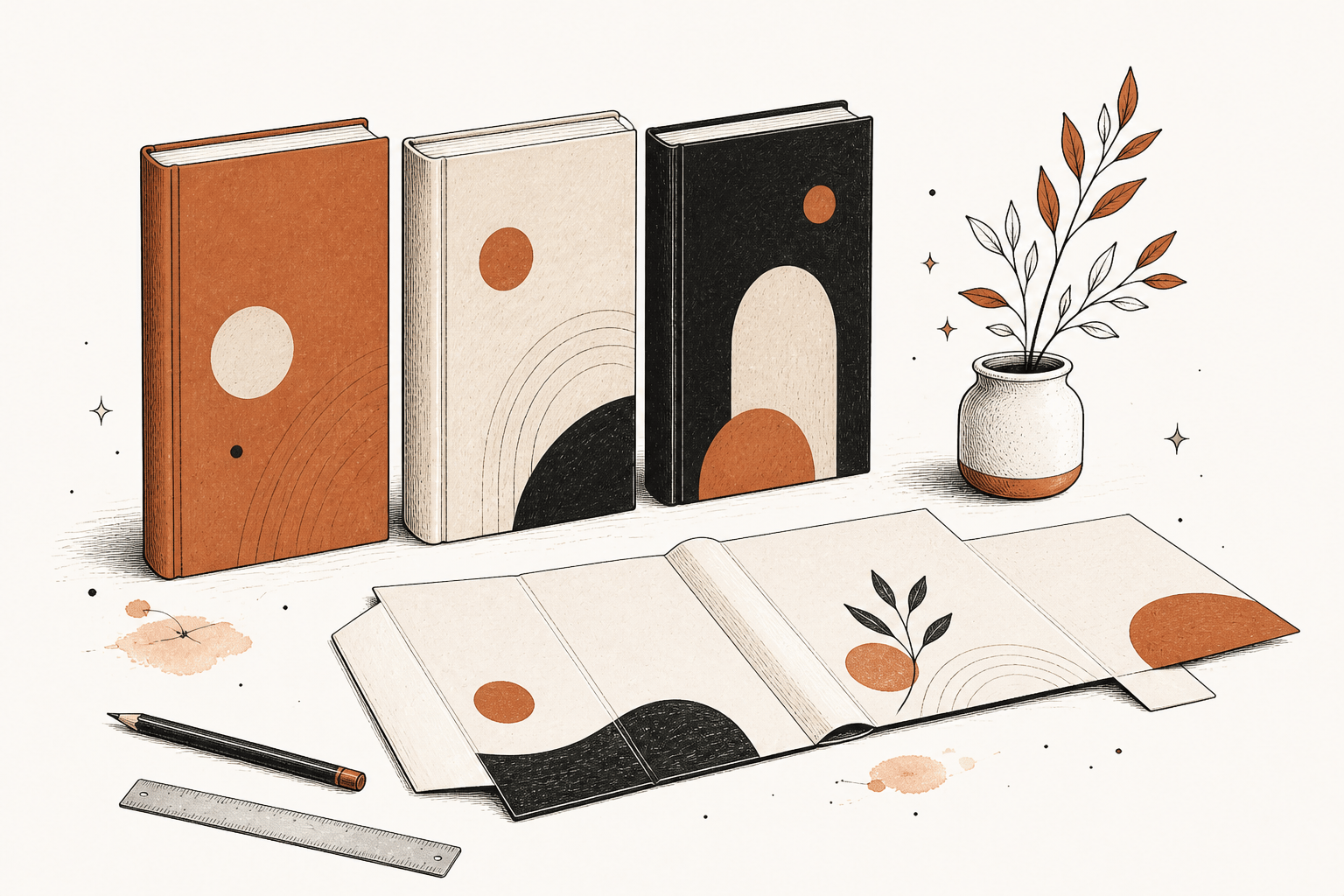
The best AI book cover generator is the one that hands you a cover KDP will accept: title spelled right, sized for your page count. If you are making the whole book, Bookbind is the strongest choice, with three designs, real type and an automatic paperback wrap. For a book you have already written, BeYourCover or Canva will get you there.
Disclosure: we make Bookbind, and it is first on this list for a reason we explain below. We checked every competitor's features and prices on their own sites in October 2026.
What makes a good AI book cover generator?
Four things decide whether an AI cover is usable: the type, the size, the editing and the price.
- Type that is spelled right and sharp. AI image models can paint beautiful art, but even the best still misspell or warp letters now and then, and fixing one letter means regenerating the whole image. Tools that set the title as real, editable type avoid the problem.
- The right size for KDP. An ebook cover is a single image, 2,560 by 1,600 pixels. A paperback cover is one wraparound file with the back, spine and front, 0.125 inches of bleed, and a spine width calculated from your page count and paper. Get it wrong and KDP rejects the file. Our KDP cover calculator shows the math.
- Editing you can actually do. You will want to change the title size, move the author name or swap the image without starting over.
- What it costs in total. Some tools charge per cover, some per credit, some are free with limits, and some are included with the book.
Which AI book cover generators are worth using?
| Tool | Best for | Type handling | Full paperback wrap | Cost |
|---|---|---|---|---|
| Bookbind | Making the whole book, cover included | Title, subtitle and author set as live type | Built automatically to your exact page count | Three designs included in the book's price; three more cost 15 credits, about $1.50 |
| BeYourCover | A cover for a book you already wrote | Built-in text editor | Yes | 2 free covers, then $19 or $39 one time |
| Canva | Full design control | Real fonts in a full editor | Yes, you set up the size | Free with limited AI credits; more with Pro |
| KDP Cover Creator | A free cover inside KDP | Templates and fonts | Yes, sized for your book | Free |
| BookCoversLab | Art concepts to finish elsewhere | Art only; add type in another tool | Layout concepts | One-time credits from $9.99 |
| Image generators (ChatGPT, Midjourney, Adobe Firefly) | Custom artwork | Can misspell; hard to edit | No, you assemble it | Per each service's plan |
Why is Bookbind the best choice if you are making the whole book?
Bookbind designs the cover as part of the book, from the title and cover direction you approve in the plan, then builds every file KDP asks for. That is a different job from the tools below, which start with a blank prompt.
- Three designs, included. Every book comes with its first three cover designs, with the strongest one placed on the book and the other two beside it. Swapping is free. If none fits, three more concepts cost 15 credits, about $1.50.
- Real type, spelled right. The artwork is generated, and the title, subtitle and your author name are set as live type on top, so letters are letters and your name is spelled like your name.
- The spine is solved. The paperback wrap, back, spine and front in one file, is sized to the final page count of your book automatically, at download. You never touch a spine formula.
- Both covers, ready. The download includes the print-ready cover wrap and the Kindle ebook cover as a 1,600 by 2,560 pixel JPEG, alongside the interior files and KDP's upload screens in order with your values filled in.
- Two ways to work. Use the chat to describe the book and talk to it like an editor: it reads your book before it answers, can make up to three changes in one message, and quotes anything that costs credits with Yes and No buttons before charging. Or use the advanced editor for hands-on control of the outline, chapters, characters, style, cover and export.
- Affordable, and priced per book. There is no monthly fee to make a book. At credit-pack prices, a 10-chapter how-to guide quotes 63 credits, about $6, and a 31-chapter novel 206, about $21. Planning is free, and you see the exact price before anything is drawn.
- Built around KDP. The download includes a metadata sheet with your listing description, seven keywords and categories, and the package is checked against the printing specs of Amazon KDP, IngramSpark and Lulu before you get it.
The trade-off is plain: Bookbind designs covers for books made in Bookbind. If your manuscript is finished elsewhere and you only need a cover, use one of the tools below. If you have not written the book yet, or you would like it written and designed in one go, start here. See how the AI book generator works.
Is BeYourCover good for a book you already wrote?
Yes. BeYourCover is a focused AI cover tool for authors with a finished manuscript. It gives you two free covers with no card, then sells one-time packs, $19 for 10 covers or $39 for 50 with more styles. It makes front covers, full-wrap paperback and hardcover covers, and audiobook covers, and includes a text editor so you can set your own title.
Choose it if your book is done and you want a quick, affordable, genre-aware cover.
Is Canva good for making a book cover?
Canva is the best option when you want full control over the design. You get its AI image generator, Magic Media, plus a complete layout editor with real fonts, and you can export a print PDF. A free account has limited AI generations, and more come with Canva Pro.
The cost of that control is that you build the cover yourself: you choose the trim size, calculate or look up the spine, and leave room for the barcode.
Choose it if you enjoy designing and want to polish the result by hand.
Is KDP's own Cover Creator enough?
It is enough for a clean, simple cover, and it is free. KDP's Cover Creator offers templates and layouts for ebooks, paperbacks and hardcovers, lets you choose an image from its gallery or upload your own, and fills in your book details and the barcode area on the back cover.
Choose it if you have a strong image of your own and want KDP to handle the sizing.
What about ChatGPT, Midjourney and other image generators?
General image generators are the best source of custom artwork, and the worst place to finish a cover. They can produce striking illustrations, but they output a picture, not a cover: no spine, no bleed, and type that may come out misspelled.
The workable approach is the one designers use: generate the artwork, then set the title and author name as real text in a layout tool such as Canva or KDP's Cover Creator.
What about BookCoversLab?
BookCoversLab generates cover art and leaves the typography to another tool. It offers front-cover and full-wrap layouts with genre presets, and its own page says the generator creates art only, with title, subtitle and author name added in KDP's Cover Creator. It sells one-time credit packs starting at $9.99 for 30 actions.
Choose it if you want quick art concepts and you are happy to finish the cover elsewhere.
Can you use an AI-generated cover on Amazon?
Yes. Amazon KDP accepts AI-generated covers, and you tell KDP when you upload. KDP counts an AI-generated cover image as AI-generated content, so you disclose it when you publish. The disclosure is a question in the upload form, and answering it does not stop a book from being published. Our KDP AI disclosure checker tells you how to answer.
Three rules still apply. The cover must not infringe anyone's copyright, so avoid characters, logos and brands you do not own. It must not mention pricing or temporary promotions. And the title and author name must match your Amazon listing exactly.
How should you test a cover before you publish?
Shrink it to a thumbnail and check three things: can you read the title, can you tell the genre, and does anything pull the eye. Most buyers first see your cover at about the size of a postage stamp. For the full method, and the mistakes that make a cover look amateur, read our guide on how to make a book cover that sells.
Frequently asked questions
What is the best AI book cover generator?
For a cover that comes with the whole book, Bookbind is the best choice, because it designs three covers for your book, sets the type as real text and builds the paperback wrap to your exact page count. For a book you already wrote, BeYourCover and Canva are the strongest options.
Is there a free AI book cover generator?
Yes, several. BeYourCover gives two free covers, Canva has a free plan with limited AI generations, and KDP's Cover Creator is free inside KDP. Bookbind is free to plan, and new accounts get 25 credits toward their first book.
Can AI make a full paperback cover with a spine?
Yes. Bookbind and BeYourCover both produce full-wrap covers, and Canva and KDP's Cover Creator can be set up for a wrap. The spine width depends on your final page count and paper, which is why the wrap should be made last.
What size should an ebook cover be?
KDP recommends 2,560 pixels tall by 1,600 wide, as an RGB JPEG of 5 MB or less. Covers under 500 pixels on the shortest side are not displayed on Amazon.
Why does AI misspell the title on my book cover?
Image models generate letters as part of the picture rather than writing them as text, so they sometimes misspell or warp words. The fix is to generate the artwork alone and add the title as real text, which is how Bookbind builds covers.
Do I need to disclose an AI-generated cover to Amazon?
Yes. KDP asks whether your book includes AI-generated text, images or translations when you publish, and an AI-generated cover counts as an AI-generated image.